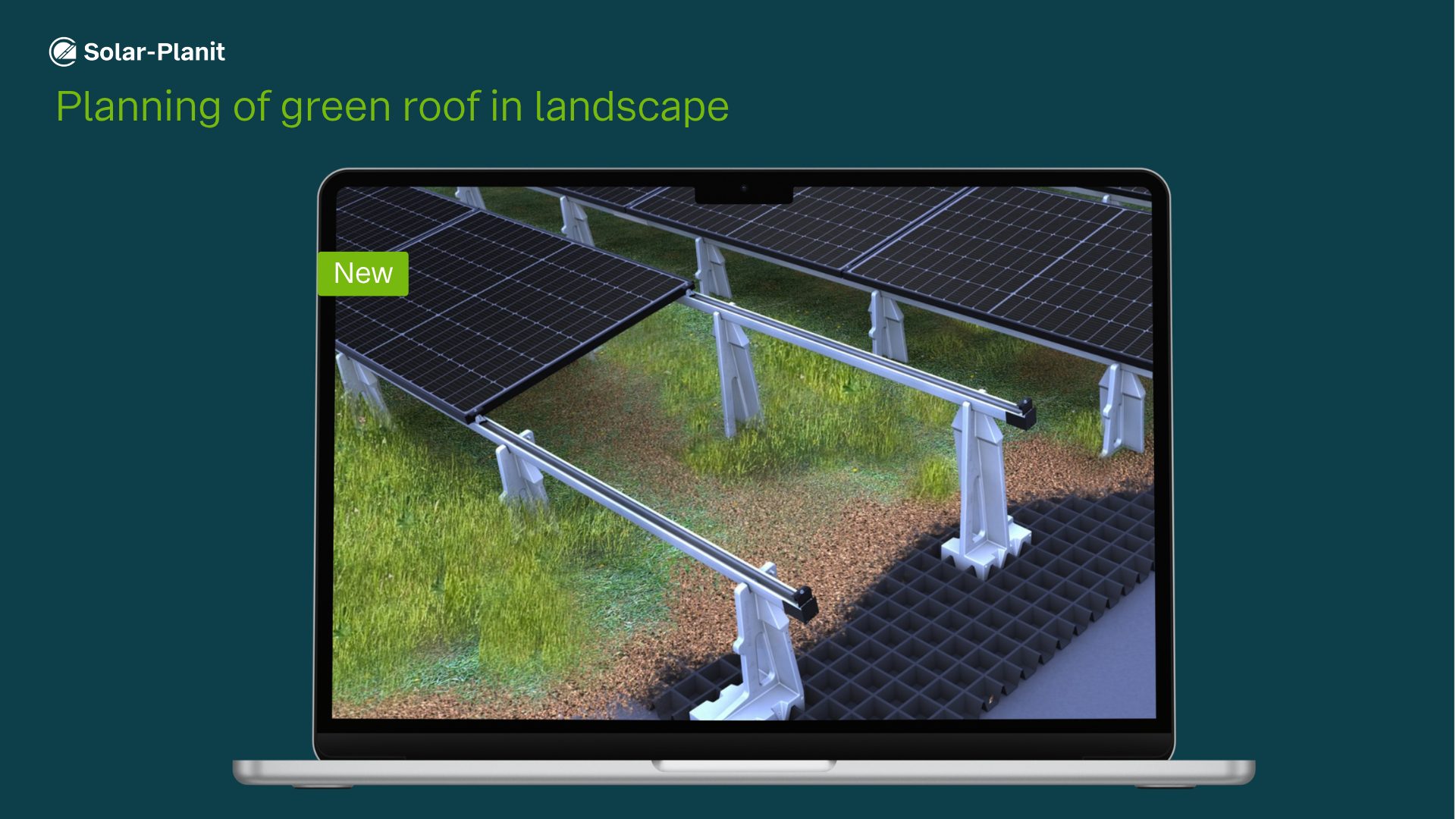
Good news for anyone planning PV systems on green roofs: With the latest Solar-Planit update, green roof systems can now also be planned with east-west and north-south orientations in landscape format.
This allows you to use the available roof area even more efficiently and provides additional flexibility in system design.
Here’s how easy it is:
1. Select “Flat Roof” as the building type
2. Define “Green Roof” as the roofing type
3. Specify the orientation (east-west or north-south)
4. Select landscape orientation
Bonus: Automatic calculation of substrate fill height
The substrate fill height can now be calculated automatically. Simply select a predefined substrate type or enter a custom substrate specification. Based on the dry density and the required ballast weight, Solar-Planit calculates the substrate fill height specifically for your project.
Every green roof substructure features an integrated scale, allowing you to easily read and verify the substrate fill height at any time.